Preview your home’s new exterior before you paint or reside
Upload a front-street photo of your home, choose an architectural finish and scope, and preview realistic curb appeal updates while keeping your roofline.
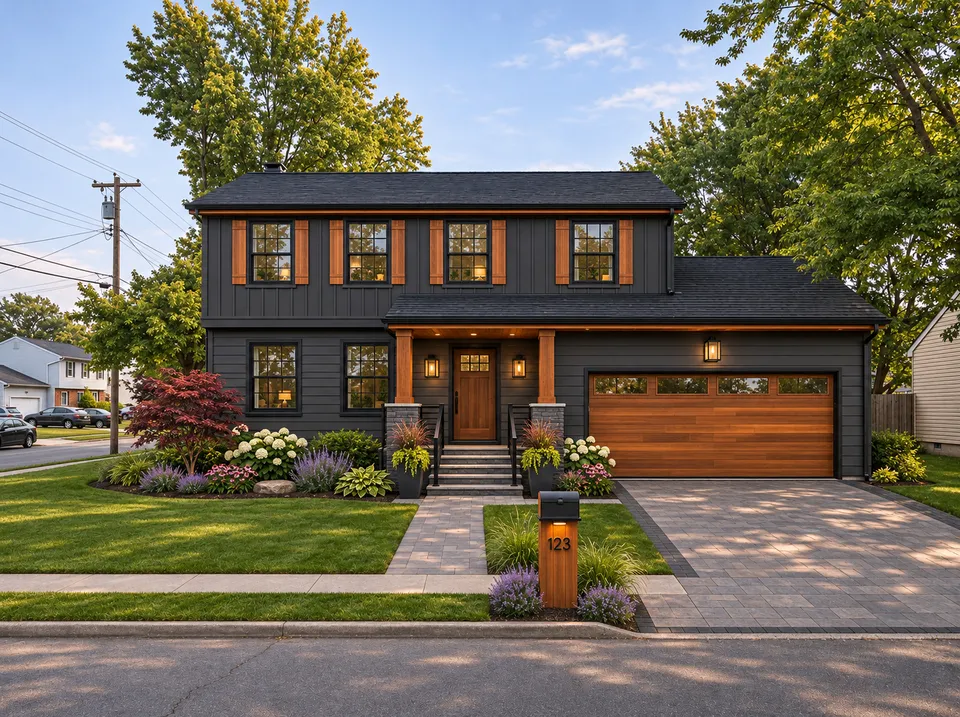
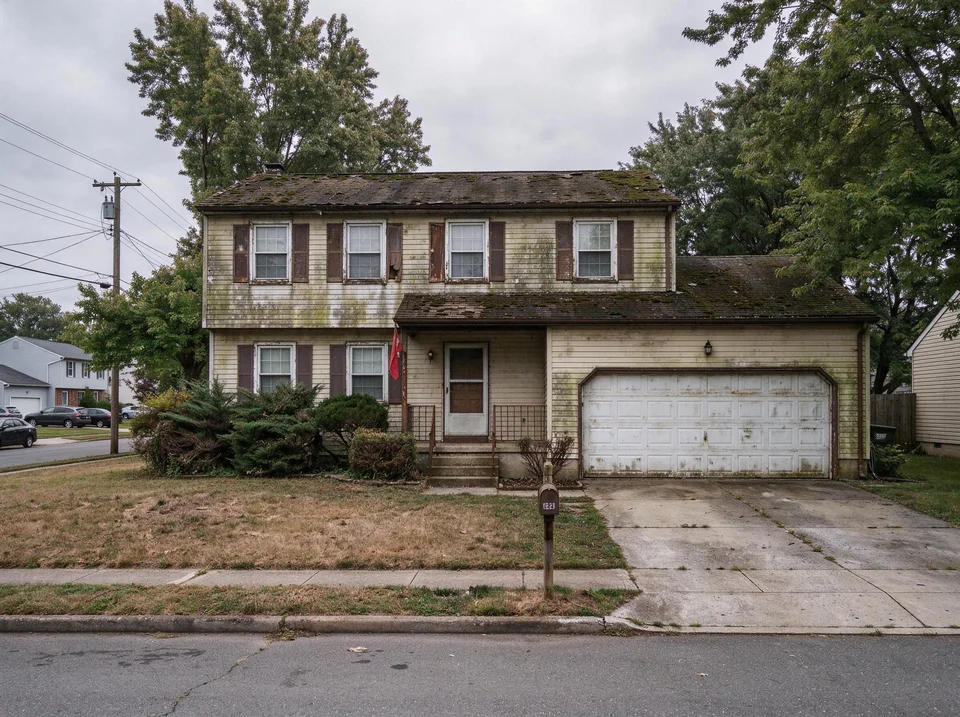
Material & Siding Catalog
8 house exterior styles
Each style includes a dedicated guide and curb-appeal prompt preset.
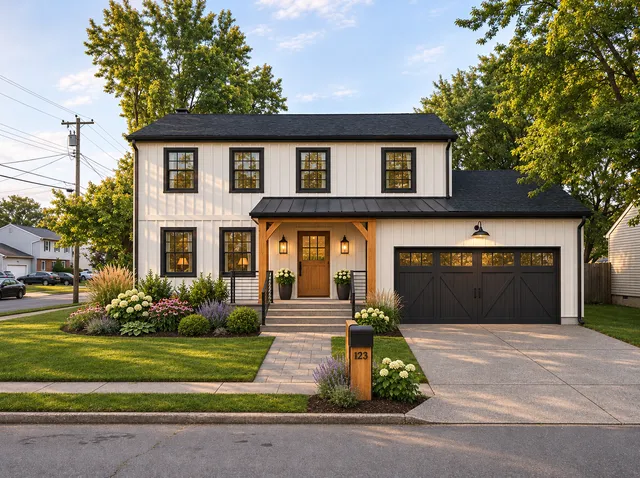
Modern Farmhouse
Crisp white board-and-batten siding, matte black window frames and natural cedar porch beams.
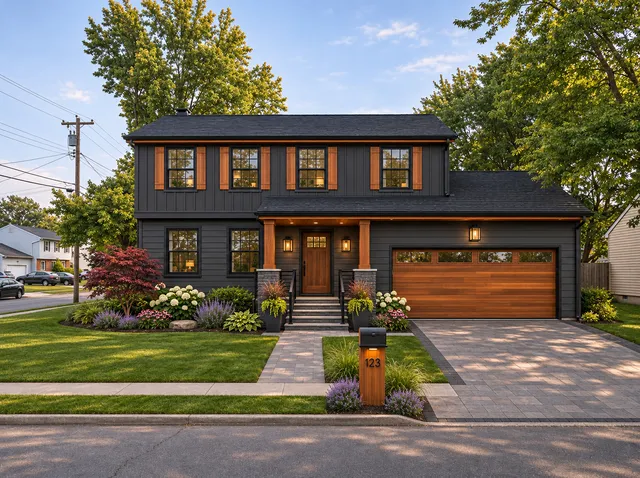
Pacific Contemporary
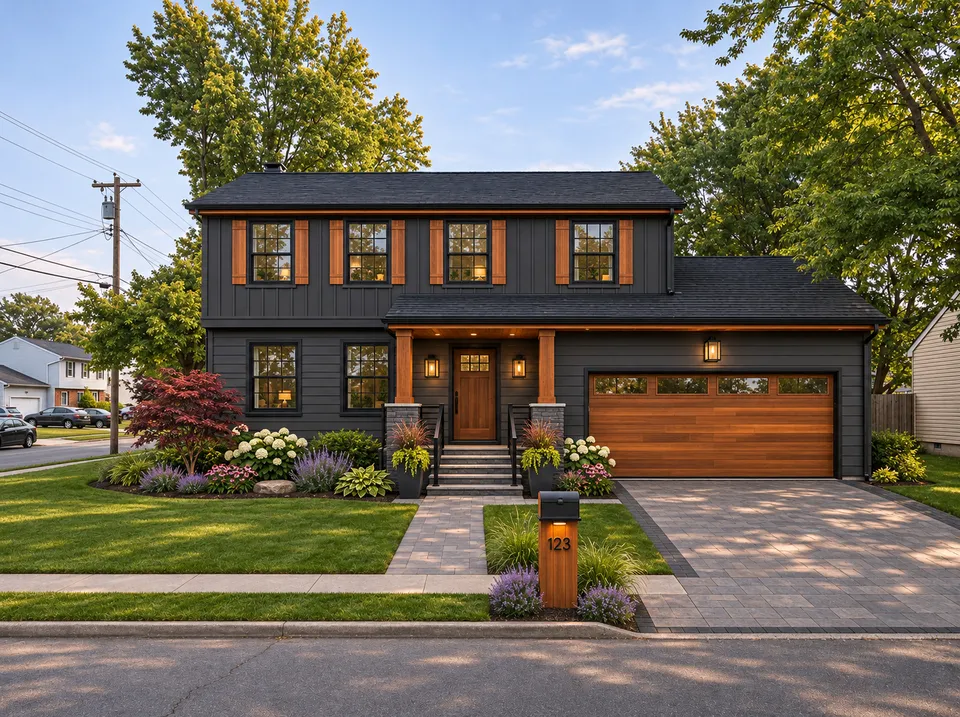
Moody matte charcoal siding balanced with rich western red cedar soffits and modern garage.
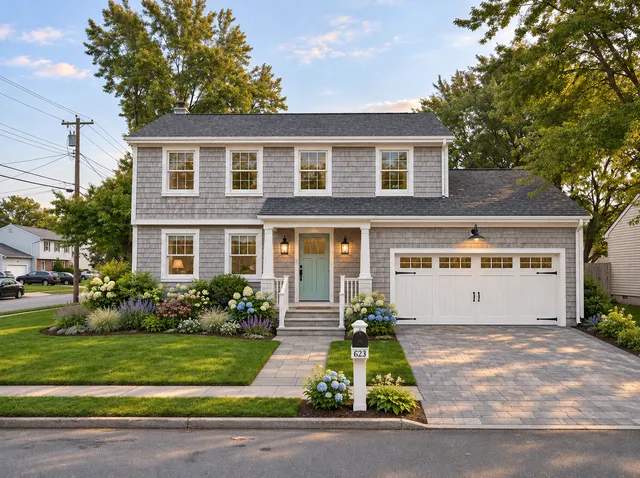
Coastal Cape Cod
Weathered grey cedar shakes, crisp white trim and a soft sea-glass front door.
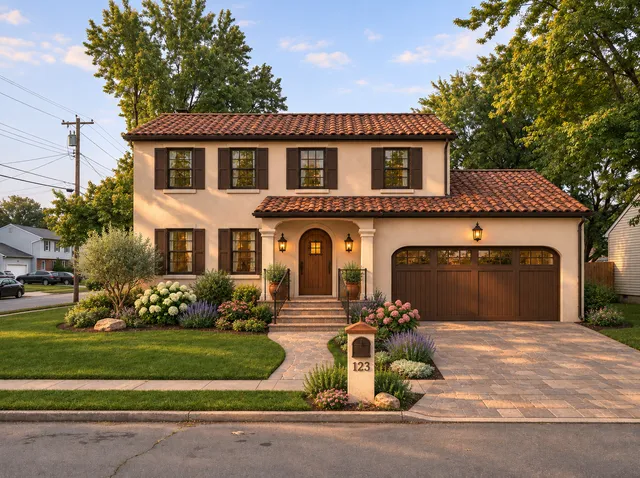
Mediterranean Villa
Smooth limestone plaster walls, dark bronze windows and warm architectural accents.
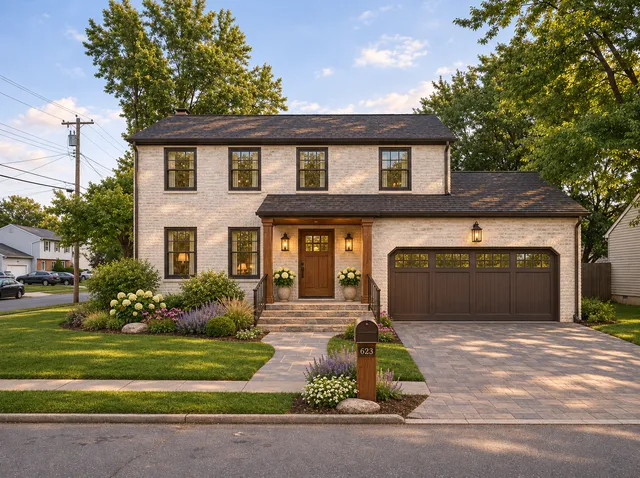
European Cottage
Soft chalky off-white brick texture paired with dark bronze trim and a warm oak door.
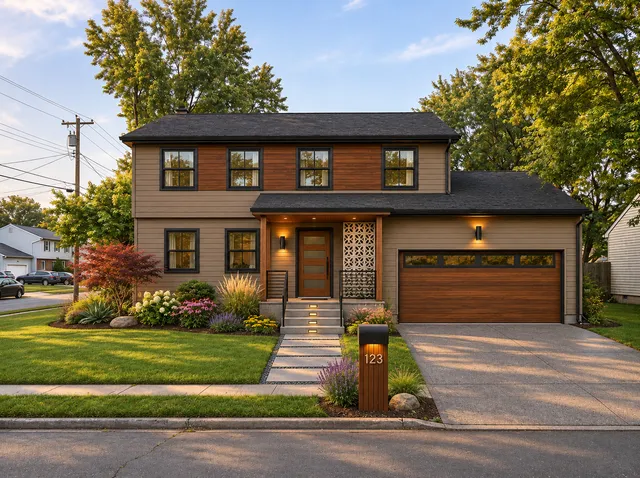
Mid-Century Modern
Warm horizontal timber accents, clean black fascia and minimalist architectural lighting.
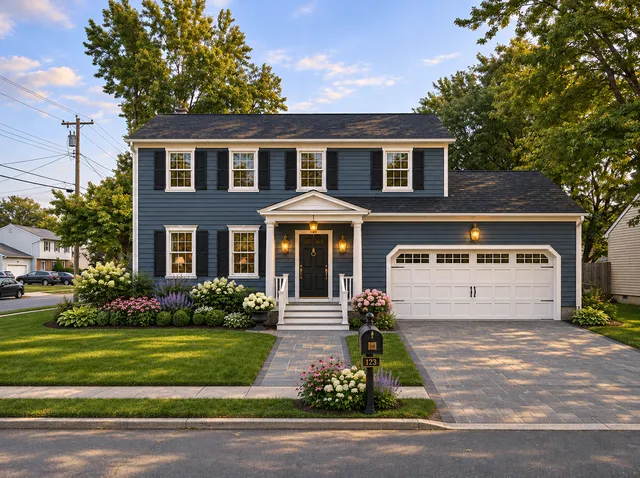
Classic Colonial
Timeless slate-blue clapboard siding, crisp white trim, black shutters and brass lanterns.
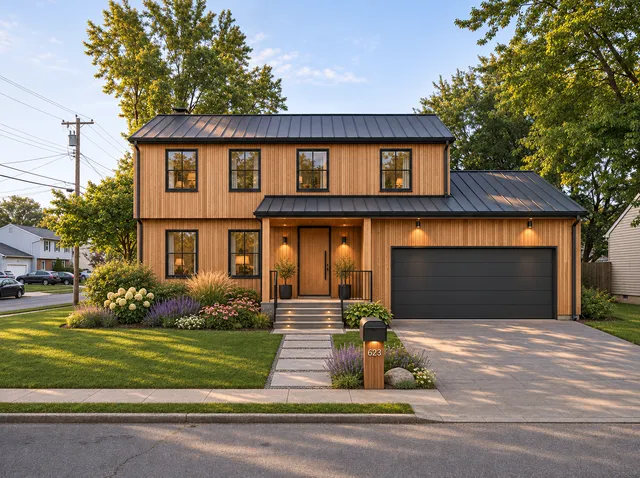
Nordic Modern
Vertical natural larch wood cladding, slim matte black windows and dark zinc roofing.
Interactive Facade Studio
Upload your home photo
Test siding colors, black windows, metal roofs or cedar porches in seconds.
More options
How exterior visualization works
1. Upload a street-view photo
Take a clear photo showing your front facade, roofline, windows, and garage.
2. Choose style & scope
Pick from 8 exterior styles, target full facade or siding only, and add cedar or window details.
3. Compare & download
Slide Before/After to compare paint colors and materials before buying samples.
Use an exterior concept to plan curb appeal updates
Faded siding and dated trim hide a home’s proportions. Start by comparing two or three siding and window combinations on the same street-view photo before buying paint samples or meeting a siding contractor.
Modern Farmhouse
Crisp white board-and-batten siding, matte black windows and natural cedar porch beams.
Explore the style →Charcoal & Cedar
Moody matte charcoal siding paired with warm western red cedar soffits and garage.
Explore the style →Limewashed Brick
Soft chalky off-white limewash with dark bronze trim and a warm stained oak door.
Explore the style →Compare siding & trim side-by-side
Generate different exterior palettes from the same original photo and keep your favorites in My designs. The Before/After slider compares your upload directly. Each successful render uses one credit.
Verify materials & HOA rules locally
AI renders are visual inspiration, not structural drawings or HOA approvals. Test physical paint and siding samples in real daylight and confirm structural details with your contractor.
New to exterior visualization? Start with the photo checklist, browse exterior remodel guides, or read how credits and saved designs work.
Pay-as-you-go Credits
Simple credit packs
One-time packs, no subscription. Every render uses 1 credit.
- ✓ 3 free starter credits with Google sign-in
- ✓ Automatic credit refund if a render fails
- ✓ 2K JPEG downloads with zero watermarks
Sign in with Google to get free starter credits. Unused credits never expire. Purchases are final except as set out in our refund policy.
Frequently asked questions
Does it keep my house’s roofline and window layout?
Yes, our prompts preserve your roofline geometry, story count, and window/door openings while updating siding, paint, and trim.
Can I test paint colors without changing the roof?
Choose 'Siding & paint' in the Scope selector to focus on exterior wall colors while keeping the roof and windows intact.
Are paint colors exact matches to Sherwin-Williams or Benjamin Moore?
AI renders give a realistic visual preview of light/dark contrast and undertones; always test physical paint swatches outdoors.
Do credits expire?
No. One-time credit packs never expire and only deduct when a render succeeds.